 Bitgetwallet
: top up your Bitget Wallet Card
Bitget Wallet Card lets eligible users add supported crypto, including USDC, to fund card purchases. Identity verification and card activation come before a top-up. Availability and the card-issuing partner depend on your region.
Access the card in the app
First, check that the card is available in your region. In the latest version of the Bitget Wallet app, open Wallet > Card to start an application. Submit the required identity information and follow any requests for additional details. After approval, activate the card before adding funds.
Match the asset and network to the top-up instructions
Supported top-up assets include USDT, USDC, ETH and SOL. Use an option accepted by your regional card, and check its network instructions before sending crypto. Holding a token in Bitget Wallet does not by itself establish that every network version of that token can fund the card.
The top-up funds the card for spending. Keep the choice of funding asset separate from the payment services that you may later use with the card, such as Apple Pay or Google Pay.
Check funding costs separately from spending rewards
Top-up and currency conversion charges can apply even when annual and monthly card fees are zero. Review the terms for your card before adding funds.
Assetback is a reward on eligible card spending. Cardholders receive a 2% base rate, while new users or cardholders who meet the monthly spending threshold can qualify for 3%, subject to the applicable upgrade conditions and reward limits. Certain restricted merchant categories and refunded, reversed or cancelled purchases are excluded.
A spending reward may offset a funding or conversion cost, but the advertised reward rate alone does not establish that your top-up is free.
Spend after activation and funding
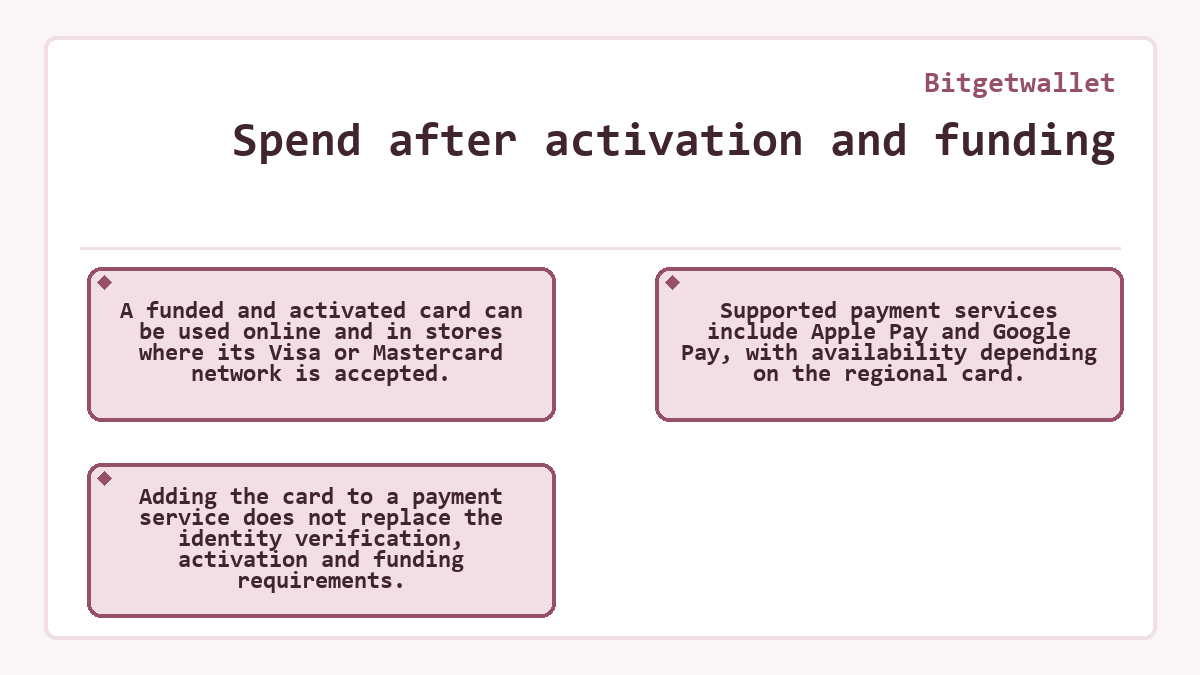
A funded and activated card can be used online and in stores where its Visa or Mastercard network is accepted. Supported payment services include Apple Pay and Google Pay, with availability depending on the regional card. Adding the card to a payment service does not replace the identity verification, activation and funding requirements.
Wallet access affects future top-ups
If you lose control of the linked wallet, an activated card can continue to work for spending. The Bitget Wallet Card FAQ states that you will then be unable to top up or withdraw from the card, recover the card account or restore wallet assets.
Before you top up
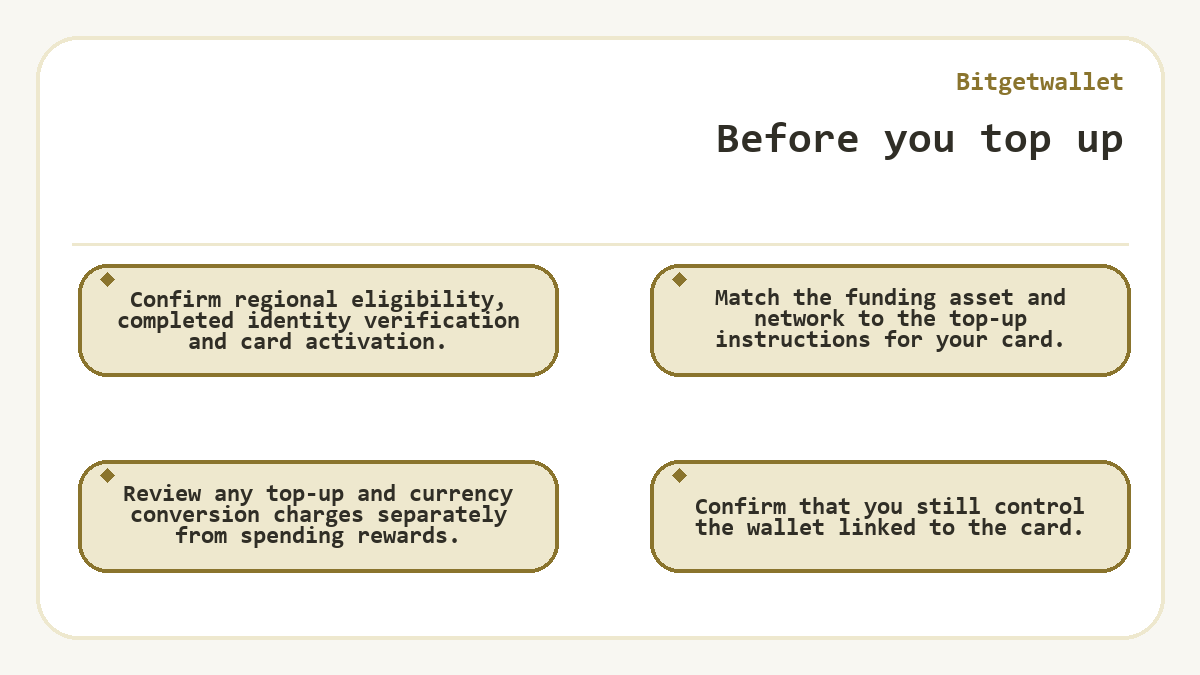
- Confirm regional eligibility, completed identity verification and card activation.
- Match the funding asset and network to the top-up instructions for your card.
- Review any top-up and currency conversion charges separately from spending rewards.
- Confirm that you still control the wallet linked to the card.
Last updated